Video analytics for your existing cameras.
From event to action.
Custom video analytics for your existing cameras: define one event, validate the view, and route the signal to the responsible person.

Video analytics in action
See what AI detects
People, vehicles, movement paths and safety checks.
One camera, one event, clear criteria.
A pilot selects the zone, reviews the stream and checks which signal helps the responsible person.
The system presents a signal; review and action stay with the responsible team.
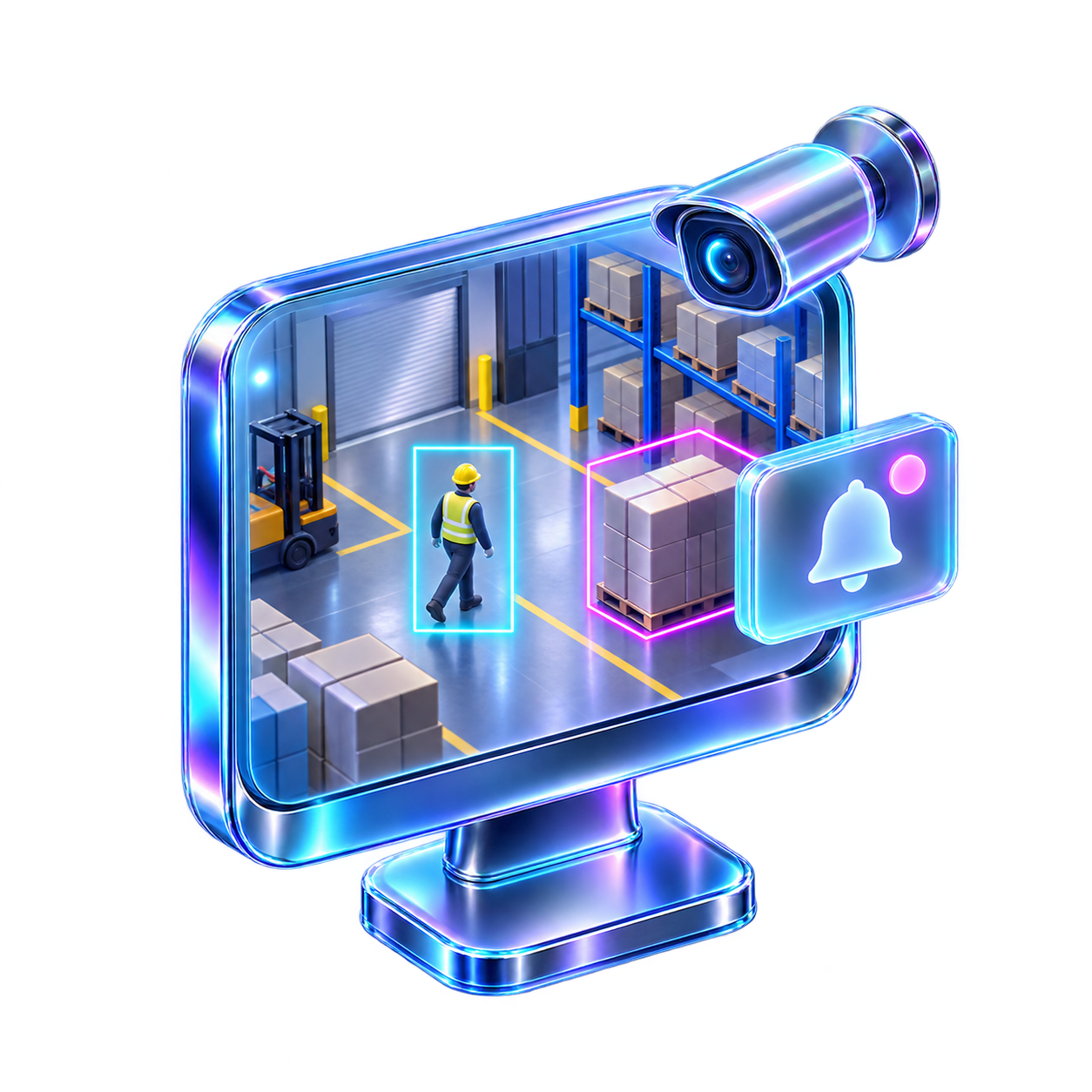
- Camera
- Existing streamStart with the devices you already have.
- Zone
- Agreed environmentThe first step can be one zone.
- Clip
- Short contextThe signal carries time, camera and a short clip.
- Person
- Review and actionFinal review stays with the responsible person.
REAL FOOTAGE, CLEAR SCOPE
The result is defined after review.
Camera / zone / responsible personStart with the event you need to notice in time
Choose one practical situation. We then review your footage, stream and response rule.
Events
The zone needs a clear rule
The system checks the agreed event and shows the time, camera and a short clip.
What we review
- Which area is restricted.
- During which hours the rule should run.
- Who checks the signal.
- What action is recorded after review.
First step
Choose one camera, one zone and the time when the signal should be created.
What we clarify
Camera placement, zone boundaries and the responsible person's response rule.
Choose the scenario; aiNOW shapes the implementation
aiVISION is a custom implementation service for existing cameras. The monthly price is set individually from the work, infrastructure and support required.
Safety signals
Restricted zones, PPE, helmets and people near moving equipment.
Retail and service spaces
Queues, busy areas and activity outside working hours.
Warehouses, logistics and manufacturing
A review process built around the real operation and the responsible team.
Cameras and infrastructure
Existing streams, resource review and custom implementation.
Video analytics starts with your workspace
The examples below are starting points for discussion. We assess the result only after reviewing your cameras, streams and operating rules.
Warehouses and logistics
Spaces where zone rules, PPE and proximity to moving equipment need timely attention.
Manufacturing and production
Define the event the team should notice in a work area and the way it will be reviewed.
Retail and service spaces
Queues, entrances and after-hours activity can be connected in one response workflow.
Offices and business centres
A lobby, door or property entrance becomes a signal routed to the responsible team.
Auto service and parking
Choose one clear event in a service or parking area and define its response rule.
Property entrances
Handle doors, entrances and perimeters within an agreed rule and human review process.
The path from one event to action
Each stage is agreed in advance so the team knows what to check and who makes the decision.
Choose the camera, zone, time and concrete event you want to notice.
Check how the rule works on your real footage and how quickly the signal appears.
The signal carries time, camera and a short clip; the responsible person reviews and records the action.
Your cameras, agreed rules
Before starting, we review the camera stream, network and available compute. On-premises processing is considered only when the environment supports it.
Start with existing cameras
Review the devices and streams you already have.
Use only needed data
Process the camera, zone and time required for the agreed scenario.
Consider on-premises when suitable
An on-premises option follows a review of compute, streams and network capacity.
A person reviews the signal
The system shows an event; the responsible person decides the response.
Write the rule first
Agree what counts as an event, who receives it and what is recorded.
Grow through testing
The first stage can be one camera or one zone with clear criteria.
From an idea to a testable working system
aiNOW combines business discovery, technical planning and implementation. aiVISION is the camera-based direction of that work.
We start with a process where timely awareness may help. Then we define the data, infrastructure and responsibility boundaries together.
The result is a monthly implementation and support service with the work defined in advance.

Frequently asked questions
Short answers about capabilities, pricing, data and testing.
aiVISION is aiNOW's custom implementation offer for real-time video analytics on existing cameras. Exact features and work are defined after reviewing your scenario.
The architecture is chosen per project. On-premises processing is considered when your compute, camera streams and network are sufficient.
Pricing is set individually for a monthly implementation and support service. We clarify the amount after reviewing your cameras, scenario, infrastructure and required work.
Who this conversation is for
This is useful if you already have cameras and want to notice one concrete event in time.
- You have existing cameras or video streams.
- A responsible person needs the signal.
- You can describe one zone and one concrete event.
- You want to check quality and latency in a first stage.
Start with one camera or one zone
Tell us what you watch, where the camera is and which event you want to notice. aiNOW will return with a described next step after the review.