RTSP camera stream assessment before video analytics
Check camera access, codec, timestamps, network behavior and stream stability before implementing a video analytics workflow on an existing camera.
- Author
- aiNOW სარედაქციო გუნდი
- Read time
- 8 min
- Published
In this note
- 01 · RTSP as a project input
- 02 · Stream record
- 03 · Comparison: one-time connection and operational stream
- 04 · Stream assessment sequence
- 05 · Limits of an RTSP test
- 06 · Frequently asked questions
- 07 · Is RTSP support enough to start video analytics?
- 08 · What if the camera stream works in a vendor app but not in the planned pipeline?
- 09 · Related reading
TL;DR: Test an RTSP camera stream before building an analytics workflow around it. Record access, codec, delivery stability, timestamps and network behavior on the real source. A stream that opens once in a test tool is not the same as a stream that supports a repeatable operating process. Discuss a stream assessment before expanding the camera set.
RTSP as a project input
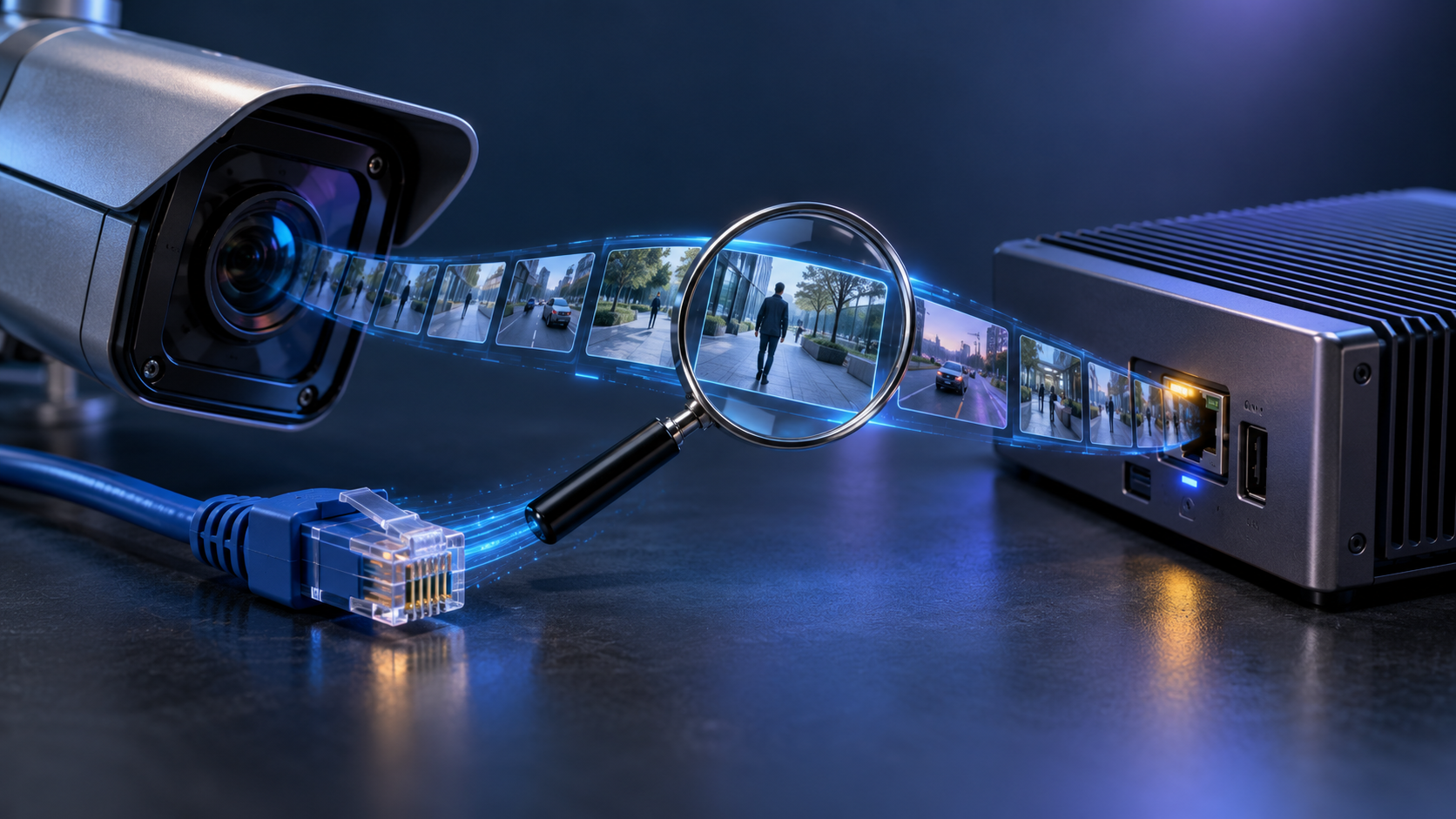
An RTSP stream is one possible path by which a camera sends video to another system. For an analytics project, the important question is whether the intended pipeline can open the stream consistently, decode the media, receive useful frames and keep the timing information needed for review. The name RTSP alone does not answer those questions.
ONVIF Profile S describes basic video streaming and configuration, while Profile T describes advanced streaming features and imaging settings. Those profiles can help a team ask the right compatibility questions. They still do not remove the need to test the actual model, firmware, credentials and network path.
Stream record
Record the camera model, firmware, source address, authentication method, codec, resolution, frame delivery, timestamp behavior and the network segment used by the test. If the camera exposes several streams, write which stream was selected and why. A low-resolution stream may be useful for a first test, while a different stream may be needed for a scene that requires more visual detail.
NVIDIA's DeepStream reference application documents camera, RTSP, file and multiple-source inputs. This is useful evidence that a pipeline can be designed around network streams, but it is not a claim that every RTSP source will behave the same way or that aiVISION uses that toolkit.
Ask for the stream's transport and access conditions before the implementation meeting. A URL that works from one workstation may fail from the planned host because of routing, credentials, firewall rules or a recorder policy. Record the exact test location and the person who can change access. That detail prevents the project from confusing a local preview with an available production input.
Comparison: one-time connection and operational stream
A stream that opens once proves that one connection attempt succeeded. A stable stream supports repeated access under the relevant operating conditions and keeps the frames, timestamps and network behavior needed by the workflow. The distinction matters because analytics decisions depend on the sequence of frames, not on the first successful handshake.
| Check | One-time connection | Operational stream |
|---|---|---|
| Access | Opened during a test | Reopens through the agreed method |
| Frames | Some frames appeared | Delivery remains usable under the scenario |
| Timing | Clock behavior is unknown | Timestamp method is documented |
| Failure | No interruption record | Reconnect and escalation behavior is recorded |
Stream assessment sequence
- Confirm the camera, firmware and access owner.
- Open the intended stream through the agreed network path.
- Record codec, frame delivery, timestamps and visible scene conditions.
- Observe a representative event and at least one ordinary scene.
- Interrupt and reconnect the test under an approved procedure.
- Write which facts are confirmed and which require an engineering decision.
Keep the test record separate from the product proposal. The record describes one source and one environment. A custom monthly implementation can be shaped after the record shows what needs to be configured and supported.
Limits of an RTSP test
An RTSP connection test cannot prove detection quality, notification latency, storage suitability or human response. It cannot prove that a camera angle shows the event or that a metadata path is available. Those questions need their own evidence. If the stream opens but the scene is unreadable, the project still has a camera problem.
Technical handoff.
- Camera, firmware and stream identifier.
- Access method and network owner.
- Codec, timing and representative-frame notes.
- Reconnect behavior and unresolved dependencies.
- The event and human reviewer that the workflow will serve.
Frequently asked questions
Is RTSP support enough to start video analytics?
No. It is an input condition to test alongside access, codec, timing, network stability and the visibility of the event.
What if the camera stream works in a vendor app but not in the planned pipeline?
Keep the result as an unresolved compatibility issue. Record the working path, the failed path and the owner who must decide whether to change the stream or the integration.
Related reading
მასალა მომზადებულია AI-ის დახმარებით და გადამოწმებულია სარედაქციო ეტაპზე.
Before the implementation meeting, ask for the stream's transport and access conditions. A URL that works from one workstation may fail from the planned host because of routing, credentials, firewall rules or recorder policy. Record the exact test location and the person who can change access. This detail prevents a local preview from being confused with a usable production input.
Record how the stream behaves when several sources work at the same time. A successful single-camera test does not necessarily describe the environment in which one host receives, decodes and evaluates several streams. If that scenario has not been tested, keep it unresolved in the technical record.
Mark who may record and view the stream. A technical connection can exist while an operator cannot reopen the frame or reach the service owner. The compatibility record should therefore describe whether the team can verify a real event, rather than ending with the codec name.
Use access data only through the agreed route. Camera credentials and network rules need an owner, and support access should be recorded separately. This connects stream testing to an actual operating process.
For review, define what happens when frames arrive late or the timestamp changes. The reviewer should know which interval to compare with the camera record and how to mark an unresolved case. That note helps separate a network issue, a camera issue and an event-rule issue.