Night lighting and video analytics: assessment guide
Check infrared, shadows, reflections and movement before defining an after-hours event on an existing camera view and operating schedule on site.
- Author
- aiNOW სარედაქციო გუნდი
- Read time
- 8 min
- Published
TL;DR: Test a night scene before defining an after-hours event. Light, infrared behavior, reflections, exposure, movement and camera angle can change what a person or boundary looks like. A daytime test cannot stand in for the conditions that the night workflow must handle. Discuss a night-scene assessment.
Scene changes after dark
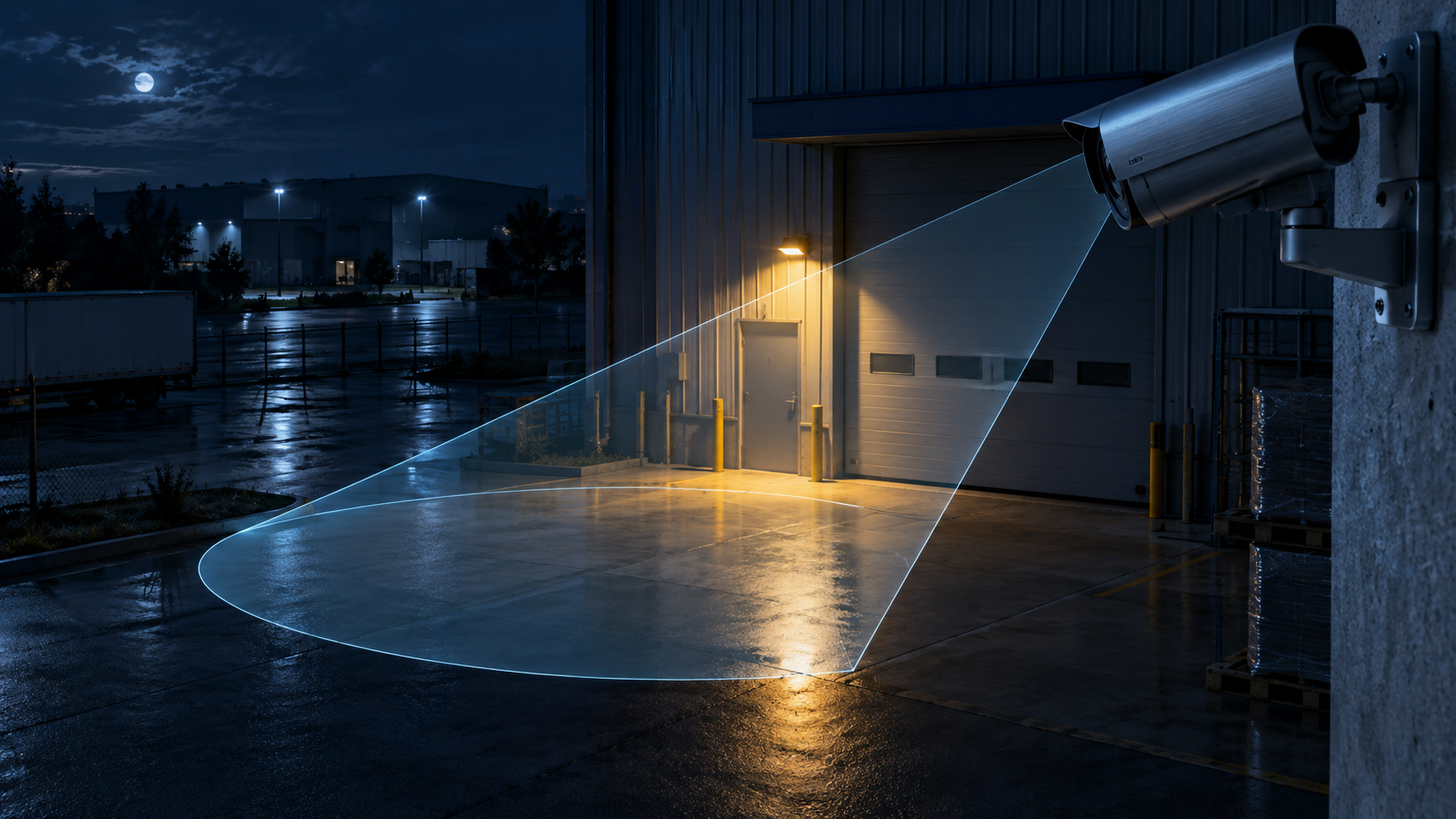
After dark, the camera may rely on artificial light or infrared illumination. Exposure, shadows, reflections and contrast can change the visible shape of people, vehicles and zone boundaries. A doorway that is easy to read during the day may show glare or deep shadow at night. A loading lane may look empty while a moving object blends into the background.
Axis explains that image quality depends on the purpose of the system and describes settings and scene factors that affect usability. That guidance supports a simple planning rule: define the event in the conditions where the event actually matters.
Night conditions
Record the light source, the direction of the light, the behavior of infrared, reflections from glass or wet surfaces, focus, motion blur, backlight and the part of the scene that becomes hard to read. Also note whether the camera switches modes, whether the view is re-aimed, and whether the operating schedule changes.
Do not treat the dark scene as a single technical category. A warehouse entrance, an outdoor perimeter and an office lobby can fail in different ways. The test should describe the actual space and the event rule rather than rely on the word “night.”
Separate the light condition from the time label. A loading gate may have strong lamps, while a side entrance may have a broken fixture or a reflective surface. Record whether people, vehicles and boundary markings remain distinguishable in each part of the frame. This gives the next reviewer a scene description instead of a general assumption that darkness is the only variable.
Comparison: day and night tests
No. A daytime test can show that the camera and stream work under daylight conditions. A night test shows whether the event remains visible when exposure, light sources, contrast and movement change. The two tests answer different questions and should be recorded separately.
| Evidence | Day test | Night test |
|---|---|---|
| Light | Natural or normal operating light | Artificial light, infrared or low-light conditions |
| Scene | Objects may be easier to separate | Shadows and reflections can merge objects |
| Decision | View is readable in daylight | Night event remains reviewable or needs a change |
Night-scene walkthrough
- Choose a single event and the relevant camera view.
- Record a representative period after the operating light changes.
- Mark where a person, vehicle, PPE item or zone boundary becomes hard to review.
- Ask the responsible reviewer to classify the event without a full archive search.
- Repeat after a lighting or angle adjustment and record what changed.
The walkthrough can be a hypothetical preparation for a warehouse or parking entrance. It becomes project evidence only when the actual camera, schedule and reviewer are included in the test.
Maintenance after the night test
A lighting change, lens cleaning, camera movement or new opening-hours rule can alter the scene. Record who checks those changes and when the night event must be tested again.
Limits of the night test
A night test cannot prove that the same rule will work after weather, construction, lighting maintenance or camera movement. It cannot prove that a signal identifies intent or prevents an incident. If the view is too dark or the boundary disappears, the correct outcome may be to change the scene or narrow the event.
Axis image-quality troubleshooting and the Axis analytics documentation describe vendor-specific solutions and do not establish the behavior of another camera or a custom aiVISION workflow. Keep that distinction visible in the brief.
Keep the night record beside the operating schedule. A guard round, cleaning shift or delivery window can change the scene even when the clock shows the same hour. Recording that context helps the next reviewer repeat the test under the condition that the business actually needs.
Night assessment form
- Operating schedule and light condition.
- Camera view, angle and mode changes.
- Reflections, shadow, focus and movement notes.
- Event visibility and reviewer decision.
- Lighting or mounting changes still required.
Related reading
მასალა მომზადებულია AI-ის დახმარებით და გადამოწმებულია სარედაქციო ეტაპზე.
Night conditions can also change the background. Moving headlights, a wet surface or vehicle lamps may alter contrast in the frame. Treat these as separate examples and apply the event rule only when the responsible reviewer has classified the result.
If the view needs a change under night conditions, keep the old and new frames. Comparing both states shows what the light or angle changed and why another test was required.
Attach the schedule owner to the night record. Security, cleaning or vehicle movement may change at different times, so the same light can create different scenes. Naming the shift helps the next reviewer avoid repeating the test at the wrong time.
Record the camera mode when the time condition changes. Infrared activation can create a shadow, reflection or background difference that was absent in daylight. Compare the same door, lane or entrance in both conditions and state what the reviewer should see.
If the night scene occurs only rarely, include a representative period in the first test material. A decision based on an empty yard or a well-lit demo cannot answer what happens during movement, rain, headlights or delivery activity. Continue the proposed rule only from those scene differences.